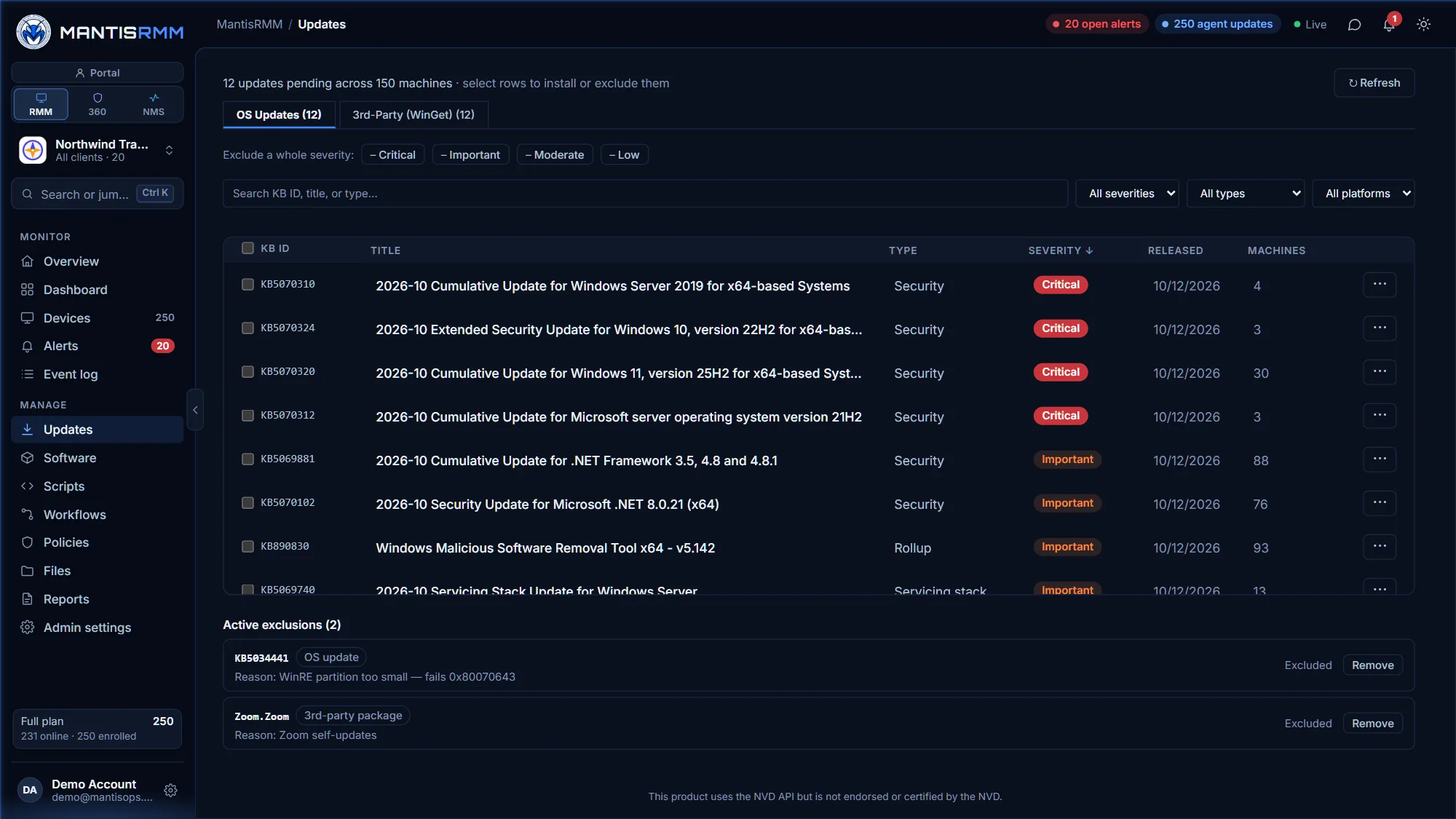
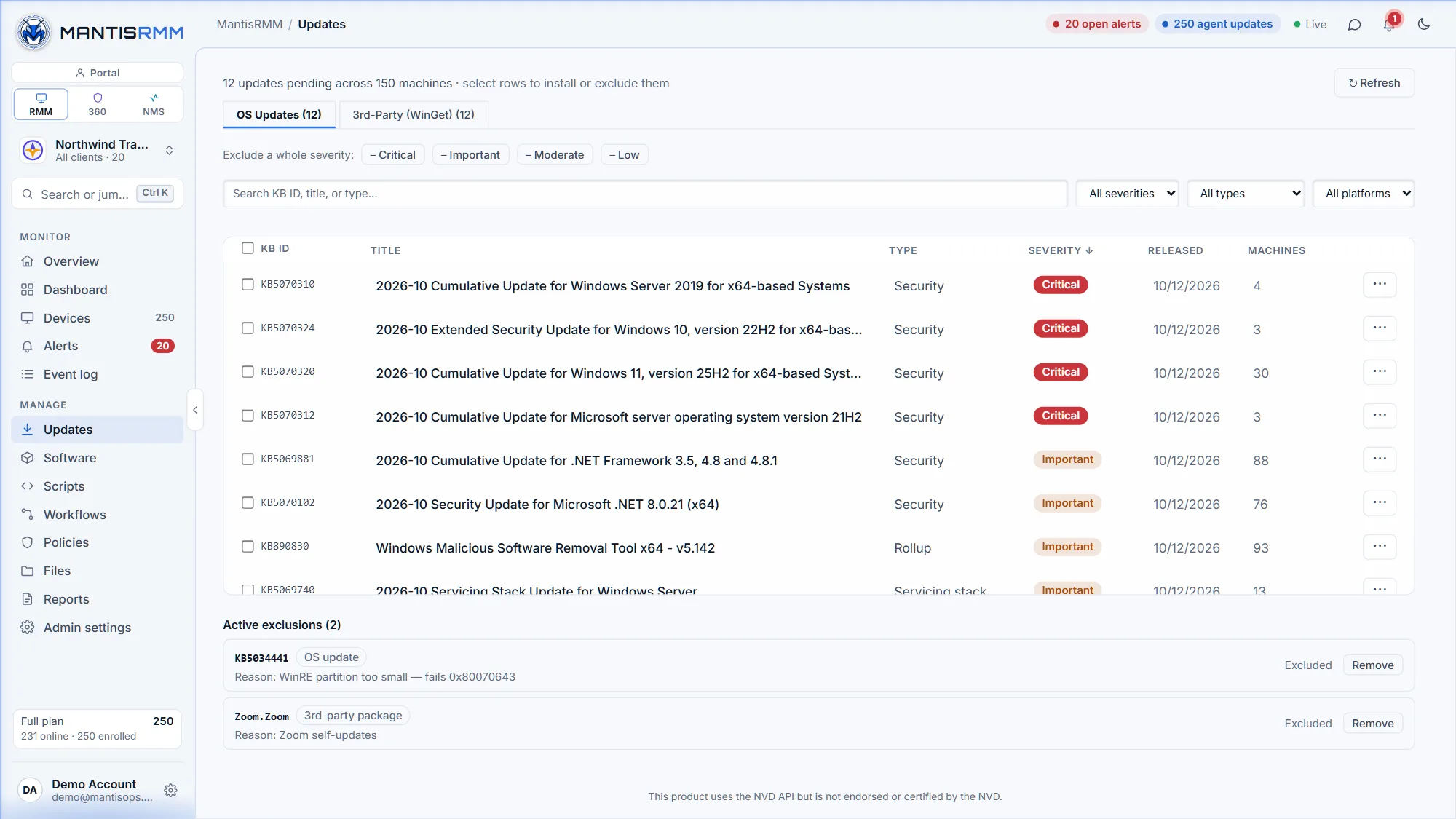
See every missing update across your fleet — Windows updates with their severity, third-party apps, and Linux and macOS packages — then approve, schedule and track them from one console.
Every pending Windows update per device and across the fleet, with severity, category and release date. Install the ones you pick, or all of them.
Available WinGet upgrades for third-party Windows apps sit next to the OS updates, ready to approve.
apt, dnf and zypper on Linux and softwareupdate on macOS, from the same console as Windows.
Schedule patching from Automation → Schedules so updates run when it suits your clients.
Hold back a specific update or a whole severity across the account. Excluded updates stay out of "Install all" until you release them.
Every installed and failed update is kept in a permanent per-device history, beyond Windows' own 500-entry limit.
Under 5 minutes per machine; the first update scan runs automatically.
Pending updates by severity across the fleet, or per device.
Install now, or schedule for your maintenance window. Exclude anything you need to hold back.
With Mantis360, vulnerability findings close automatically once the agent confirms the vulnerable software is gone.
Patch management is included in MantisRMM at $2 per agent per month, with no annual contract. See pricing →
Yes, on Windows: available WinGet upgrades for third-party apps are listed alongside Windows updates and can be approved from the same view.
Yes. MantisRMM handles apt, dnf and zypper on Linux and softwareupdate on macOS, from the same console as Windows.
Yes. Create a schedule under Automation → Schedules; it runs in your local timezone and is active as soon as you save it.
Yes. Exclude a specific update, or a whole severity, for your account. Excluded updates are hidden from the pending list and from "Install all" until you remove the exclusion.
No credit card required. We review every signup and email your activation link within one business day.
Start a MantisRMM trial →Related: RMM for MSPs · Mantis360 vulnerability management · Pricing